Portrait beauty,
one tap away.
Softra turns everyday portraits into naturally better ones — refined lighting, even skin and a soft glow, all processed privately on your phone.
100% on-device
Photos never leave your phone
Naturally better
Real texture, never plastic
Auto or manual
One tap, or full control
A complete portrait studio in your pocket
From a single tap to pixel-level control, every tool is built to keep faces looking like people — not filters.
Private by design
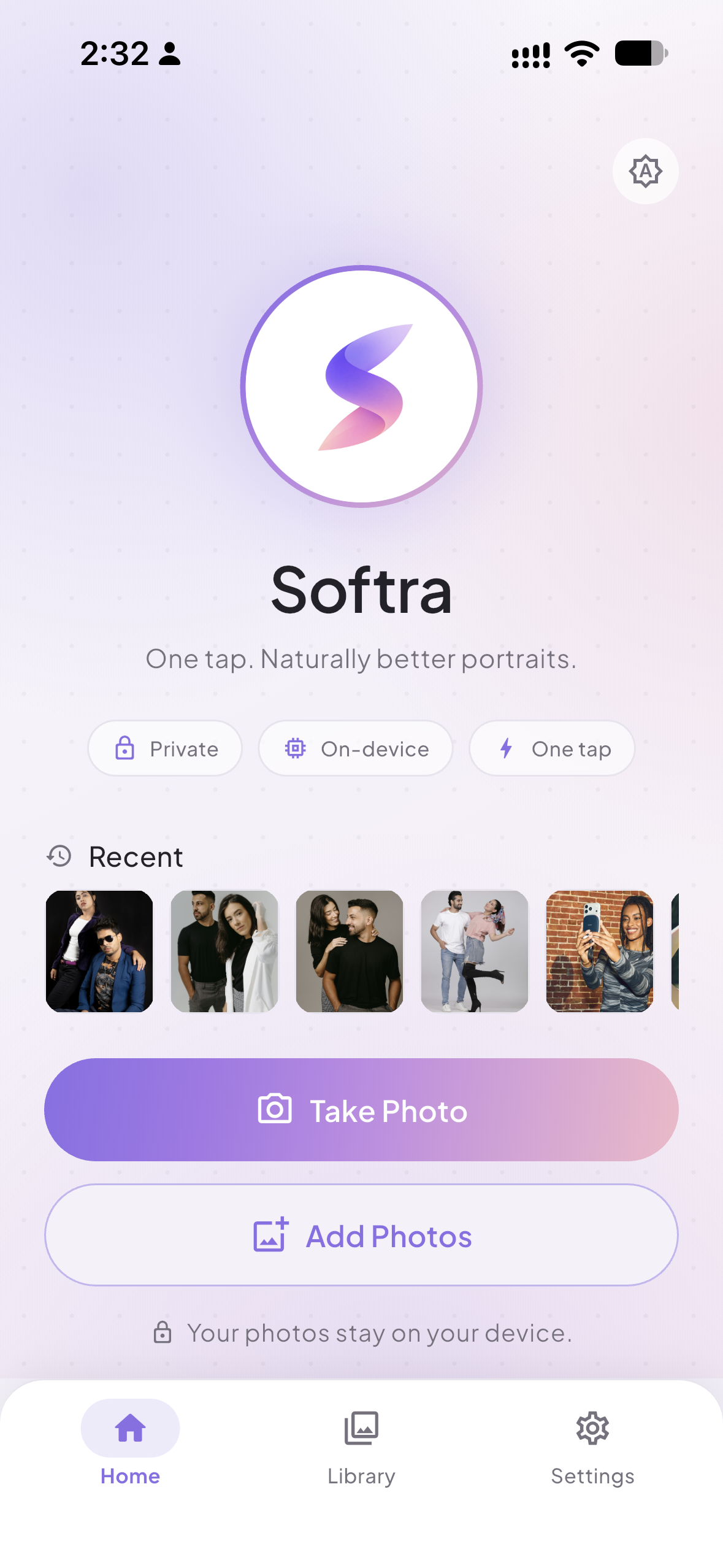
Every portrait is processed on your device. No uploads, no accounts, no cloud.
Natural skin
Edge-aware smoothing keeps real texture — it never looks plastic or filtered.
Dewy glow
Soft light and even tone that flatter the subject, warmed to match real skin.
Pro manual controls
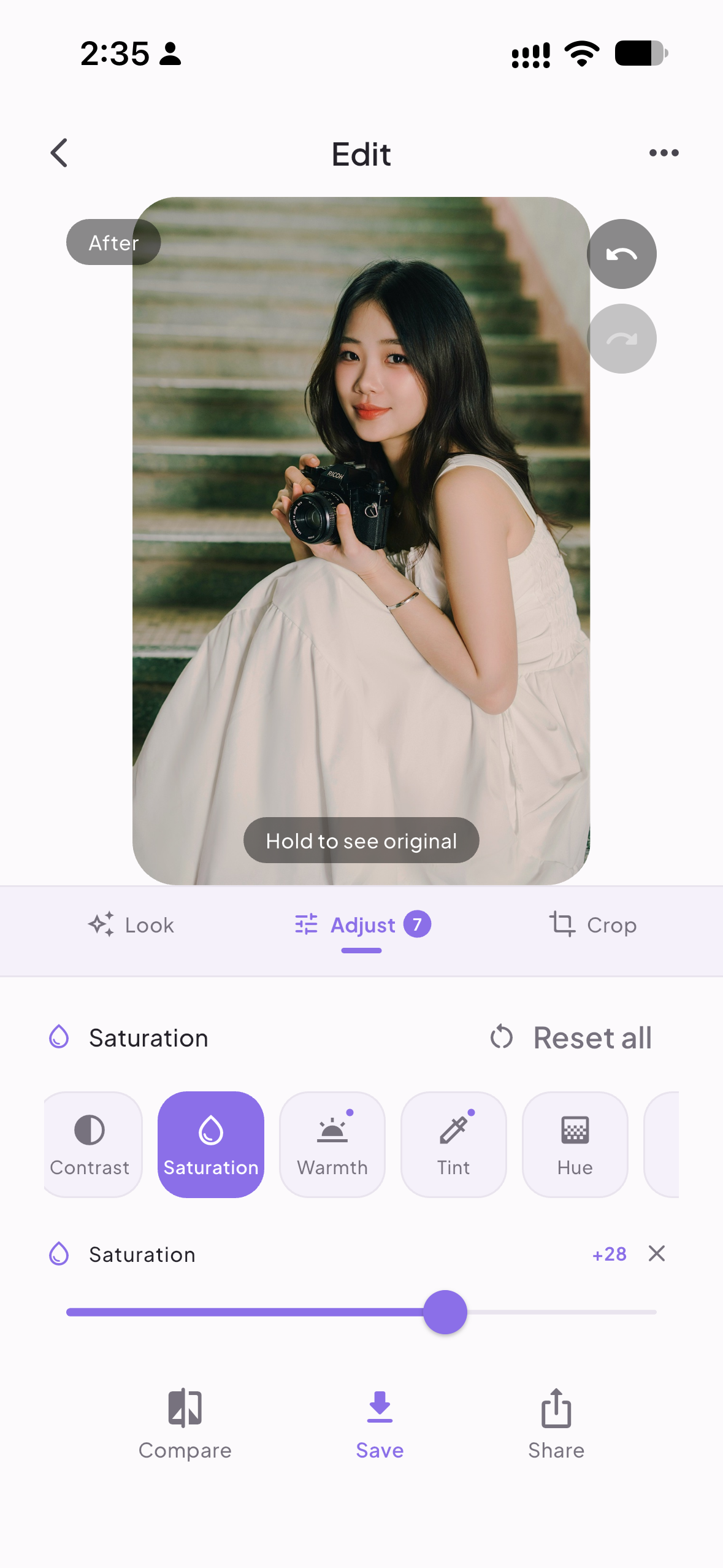
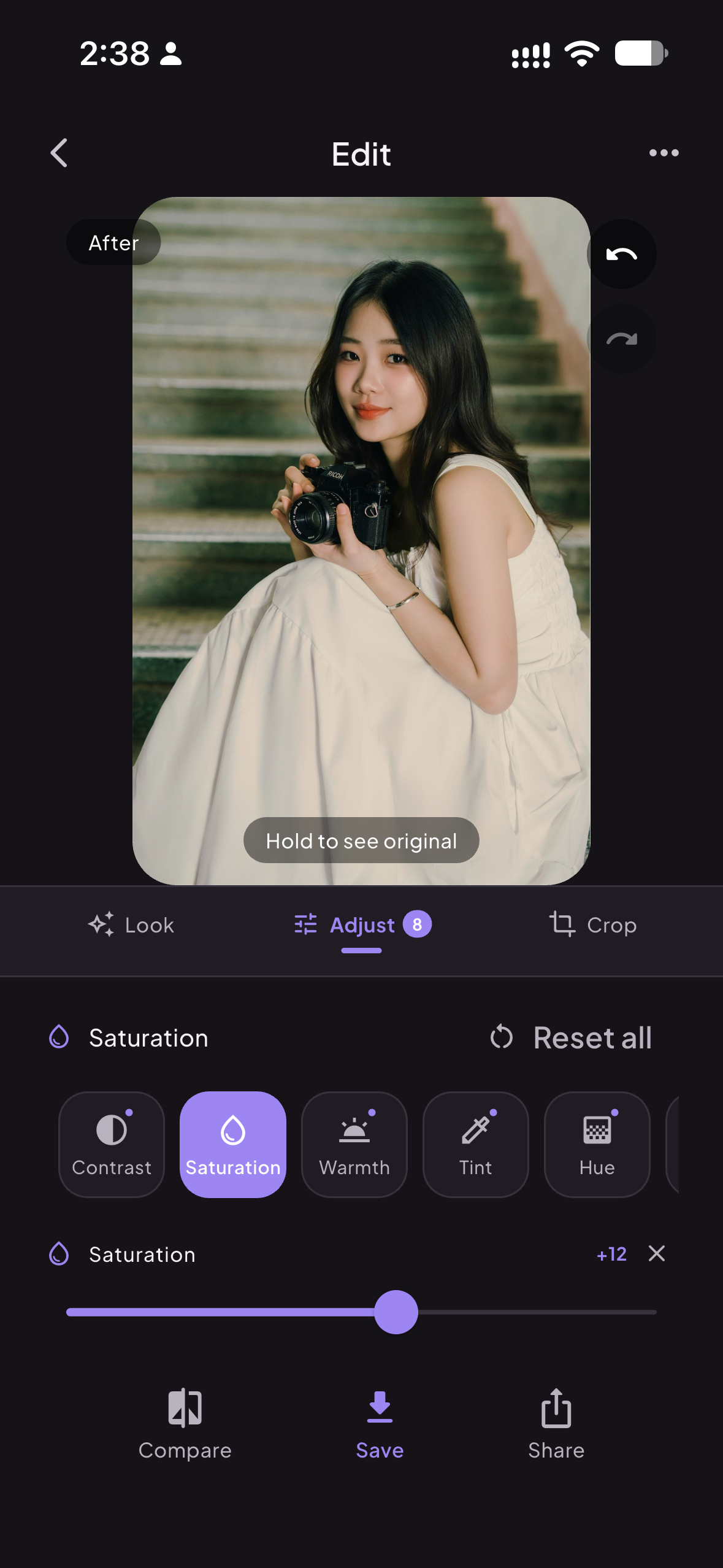
Brightness, contrast, HSL, curve, shadows, highlights, grain and more.
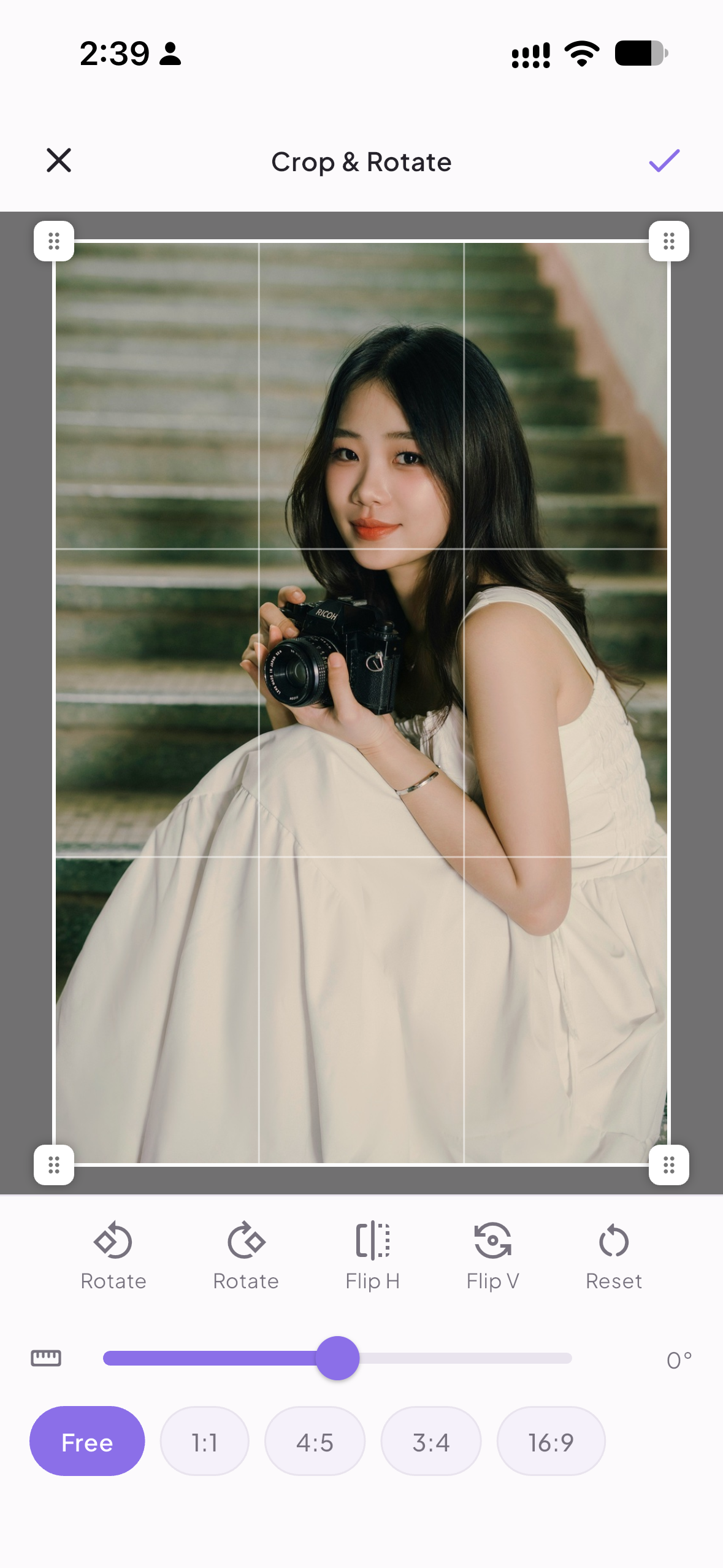
Crop, rotate, straighten
Frame perfectly with a full-screen crop editor and aspect presets.
Your own workspace
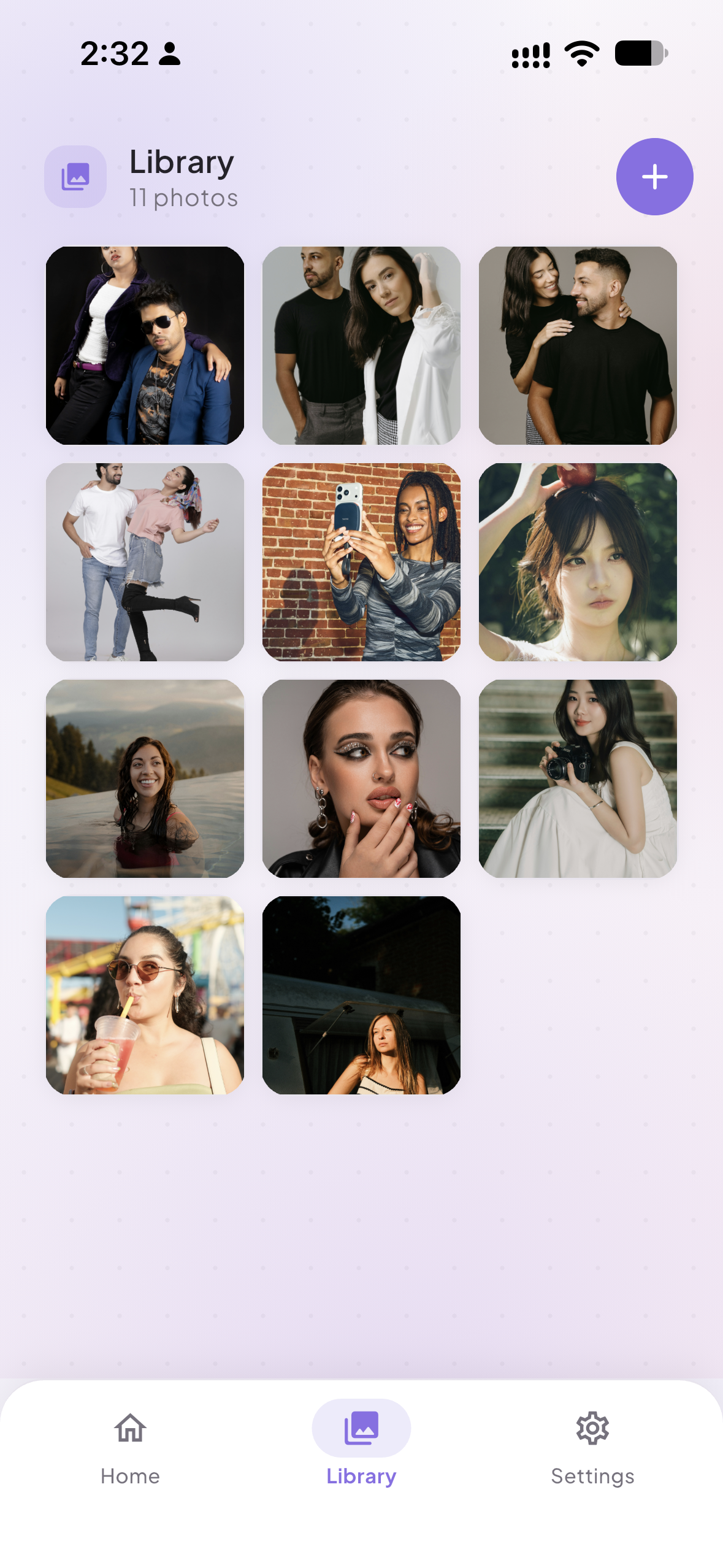
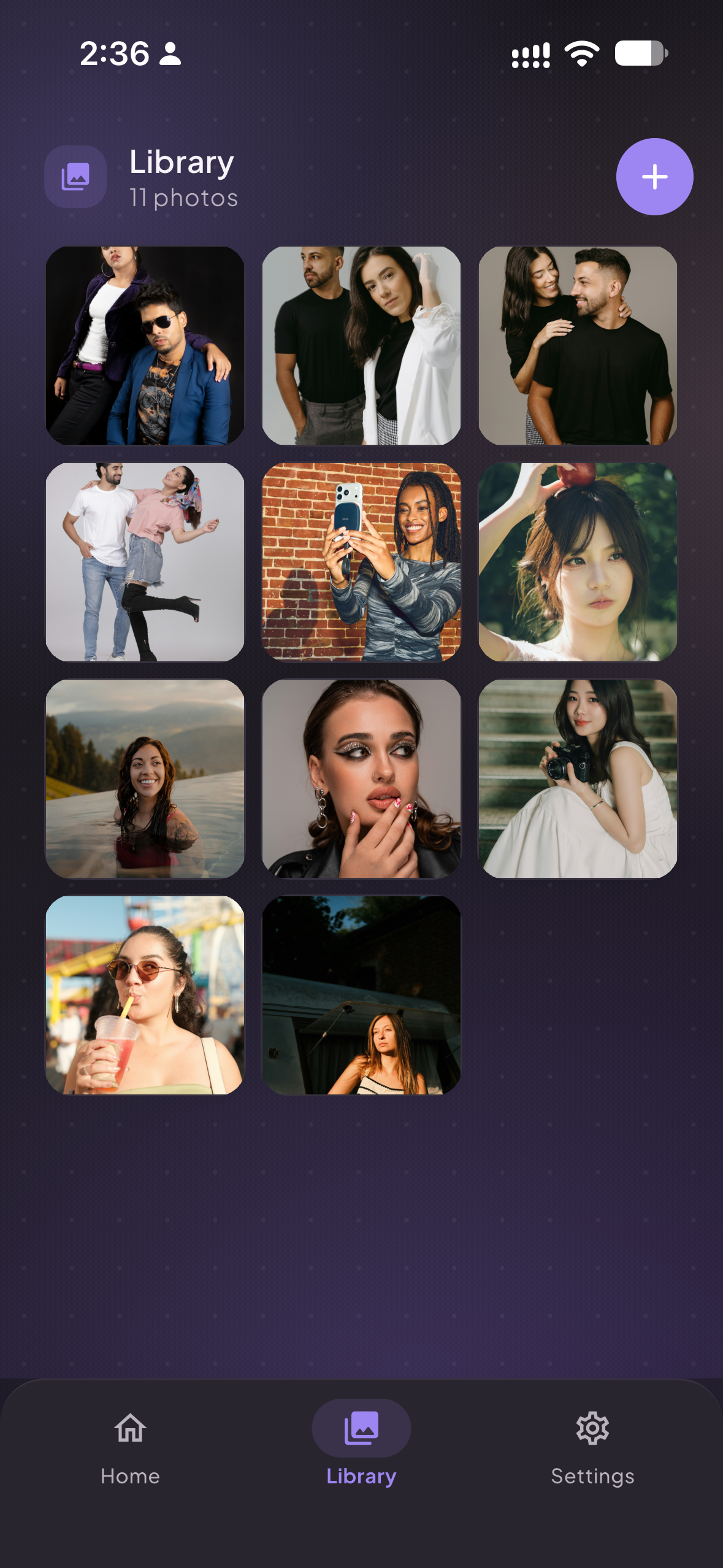
A built-in library keeps every photo ready for another edit — no re-picking.
Pick a look, then make it yours
Start from the untouched original or apply a curated preset — each adapts to the photo, so the result always looks like you.
Original
The untouched photo. Start clean and layer your own edits.
Natural
Barely-there enhancement that keeps texture intact.
Glow
Even tone, soft light and a naturally dewy complexion.
Glam
A more pronounced, polished portrait glow for standout shots.
Fine-tune every detail
Beyond the presets, Softra gives you the same tools you’d expect from a desktop editor — with a real per-channel tone curve and a full-screen crop editor.
- Brightness
- Contrast
- Saturation
- Warmth & Tint
- HSL
- Tone curve (R/G/B)
- Shadows & Highlights
- Sharpen
- Vignette
- Grain
- Fade
- Crop & rotate
Your photos stay on your phone
Softra processes everything locally with your device’s own hardware. There are no servers, no accounts and no tracking — your portraits are yours alone.
Do my photos ever leave my phone?+
No. Softra runs entirely on-device using your phone's own hardware. Your portraits are never uploaded to a server or shared with anyone.
Is Softra free?+
Yes — Softra is free to use. A Pro tier with premium presets and video beautification is planned for the future.
Which platforms are supported?+
Softra is available for iPhone and iPad now, with Android on the way.
What makes it look natural?+
Our pipeline detects your skin with an on-device model, then smooths and brightens only where it should — preserving eyes, hair and texture so faces never look artificial.
Can I fine-tune the result?+
Absolutely. Use Auto to get a great starting point, then dial in every look with the intensity slider and full manual adjustments, plus crop and rotate.
Ready for your best portrait?
Download Softra for iPhone and iPad. Android is on the way.